The Gaming Project
Entertainment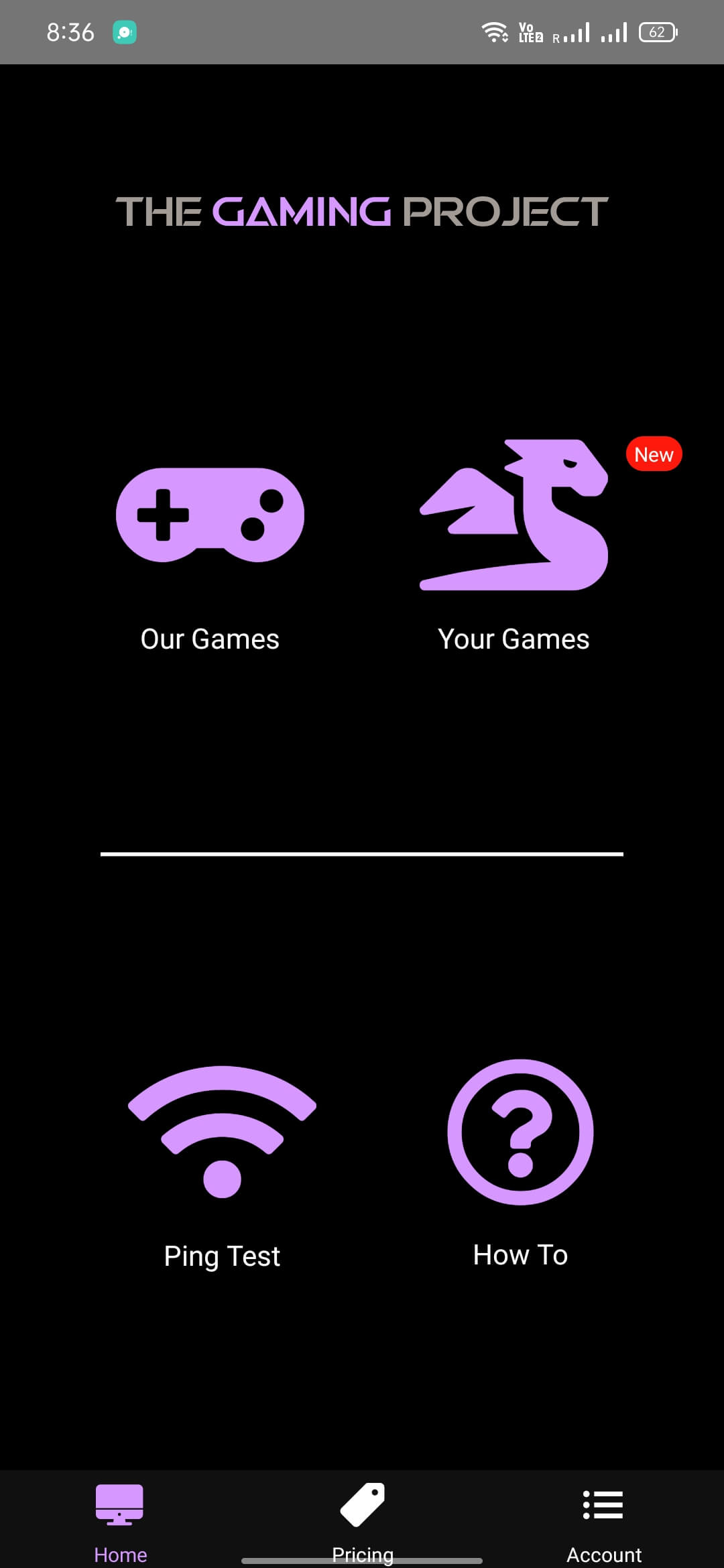
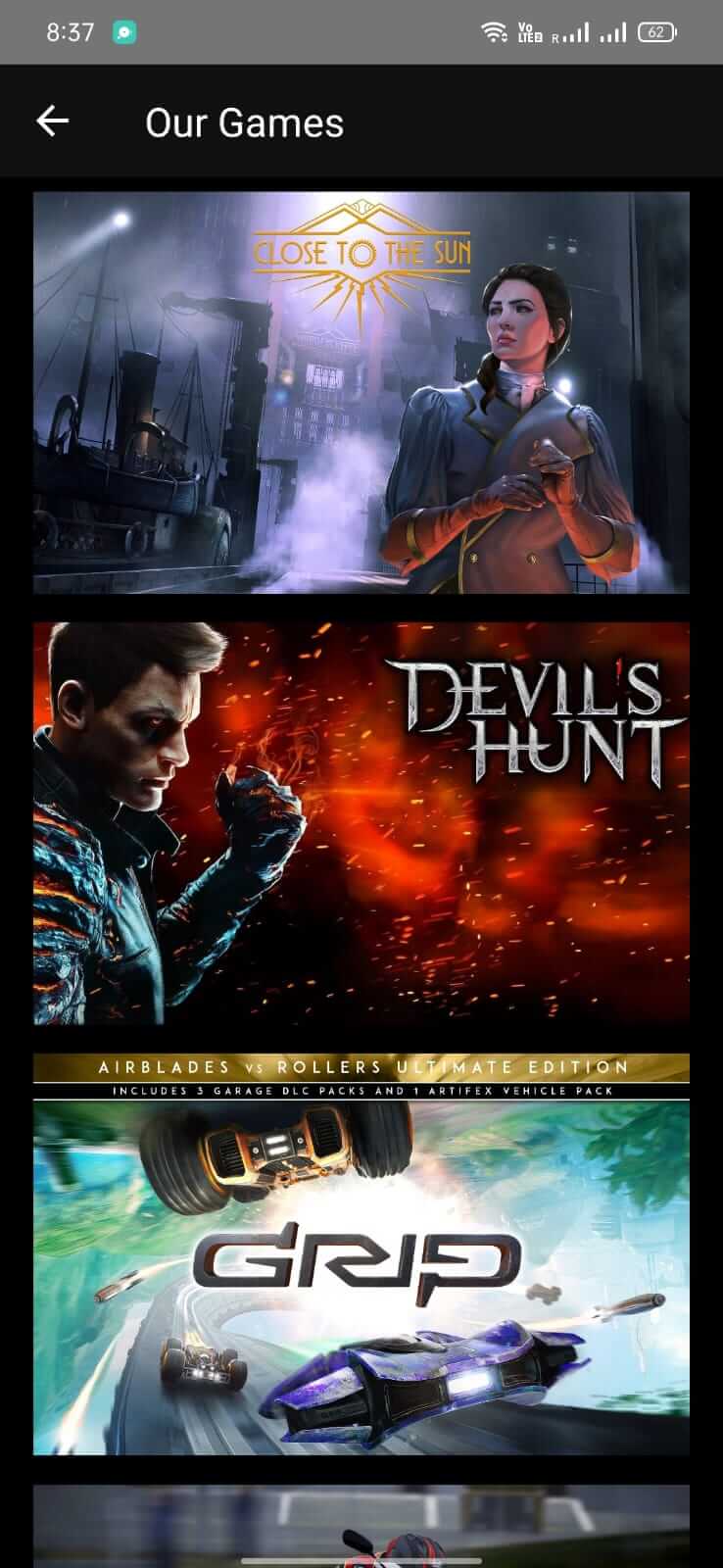
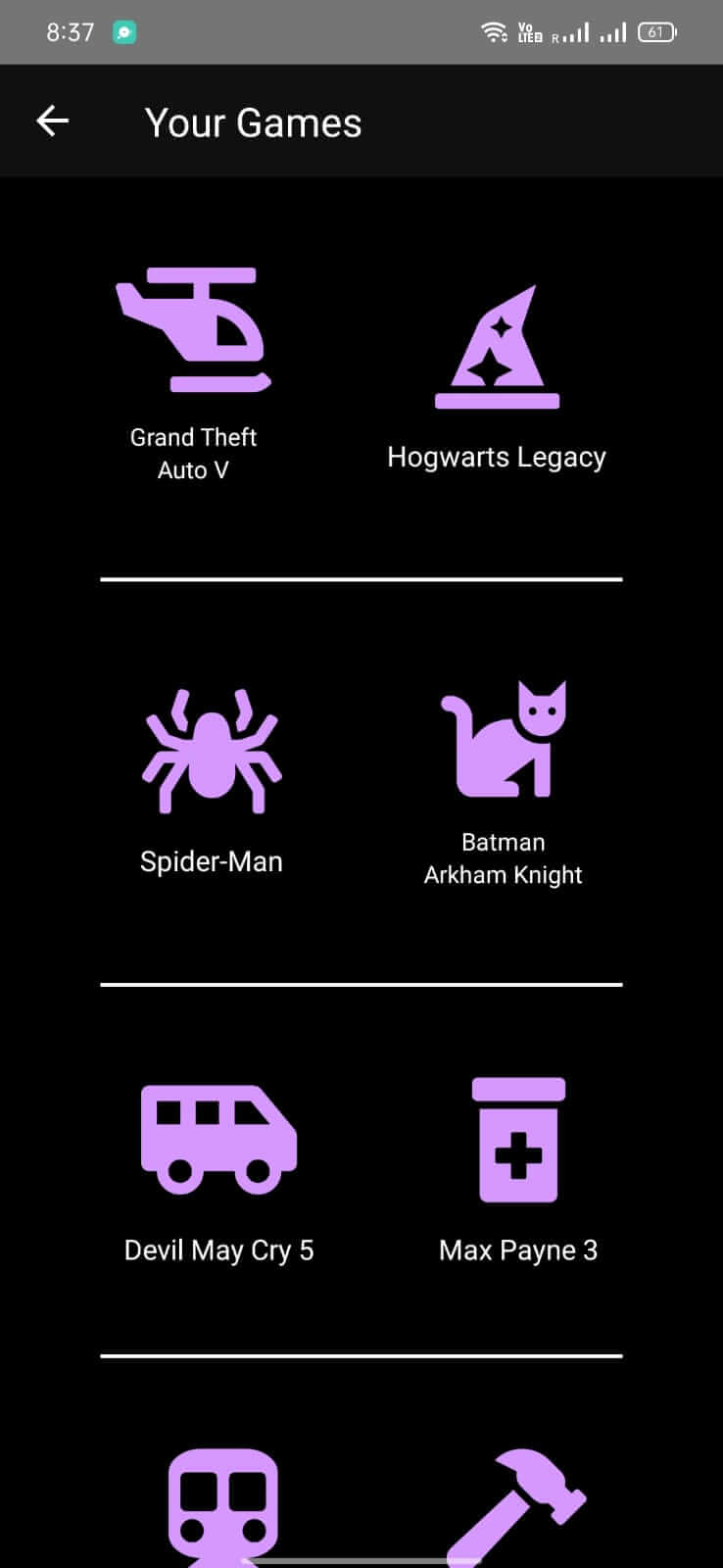
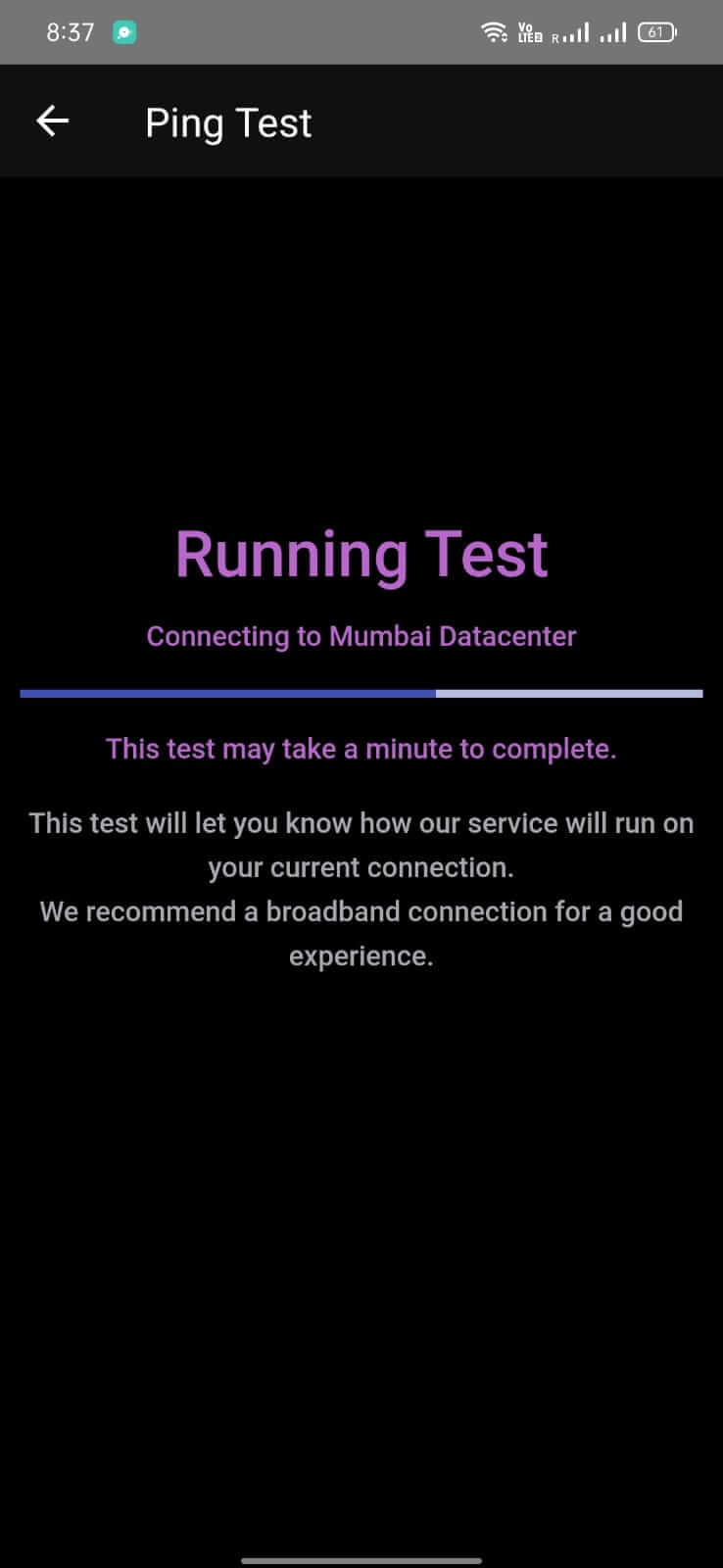
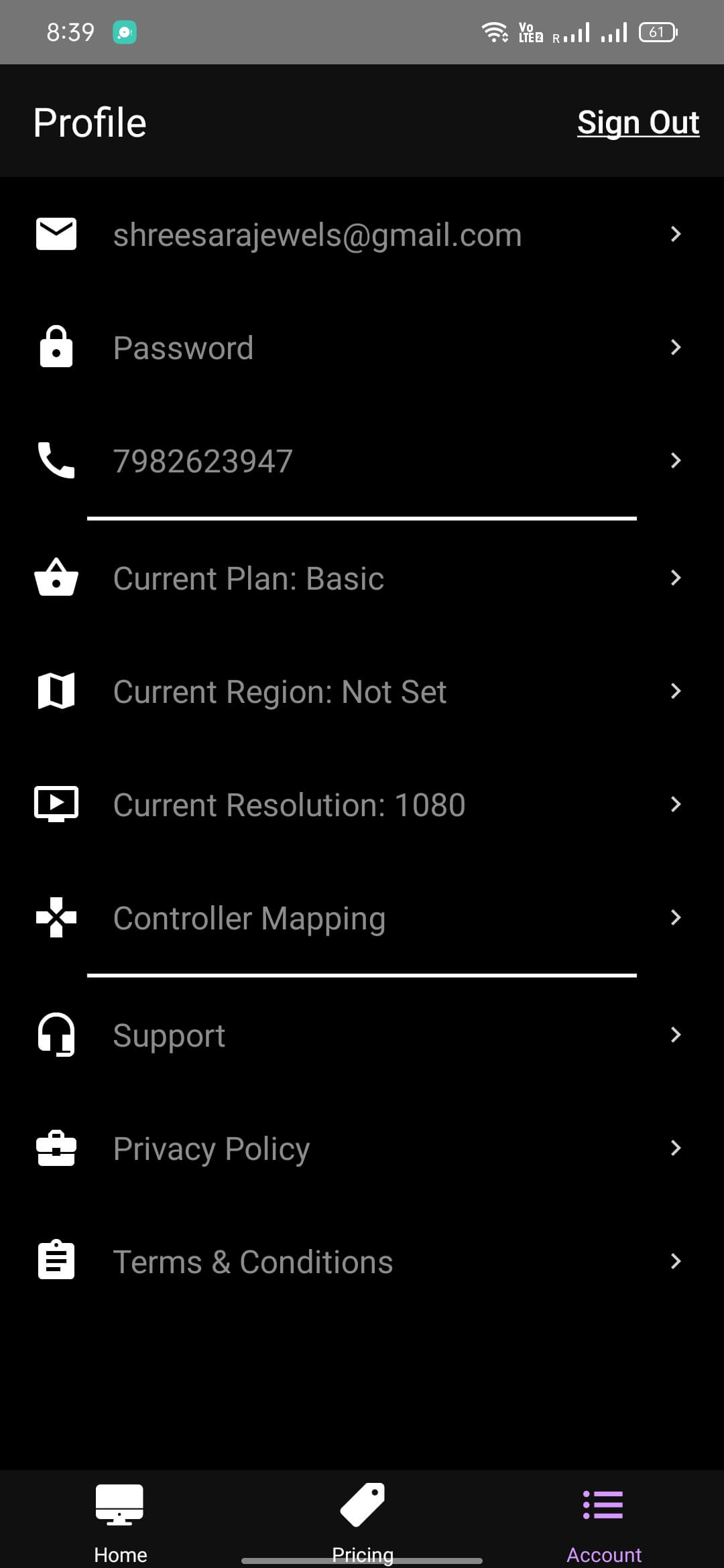

The Gaming Project brings cloud gaming to Android devices, letting you stream a library of games without needing a powerful phone or a PC. If you enjoy playing titles that usually require a desktop, this app aims to deliver them straight to your mobile screen.
This page provides the latest APK details, installation guide, and practical tips to help you get the service running smoothly on your device.
Quick Information
| App/Game Name | The Gaming Project |
| Latest Version | 0.50.8 |
| Developer | Not listed |
| Category | Apps / Entertainment |
| App Size | 31 MB |
| Package Name | com.thegamingproject.App |
| Last Updated | 4 October 2023 |
What Is The Gaming Project?
The Gaming Project is a cloud gaming platform available as an Android app. It connects your device to remote servers that run the games, then streams the video output back to you. The core idea is to let users enjoy PC‑grade games on smartphones, tablets, or even laptops without installing the games locally.
Key points:
- Supports a wide range of games via cloud streaming.
- Works on Android phones, tablets, and can be accessed from PC/Laptop browsers.
- Requires a stable internet connection for smooth gameplay.
The service is designed for gamers who lack a high‑end PC but still want access to popular titles. It does not replace a local game install; instead, it streams the experience from remote hardware.
Compatibility
| Android Version | ✓ Verified — Android 6.0 and later |
| Architecture (ARM64 / 32-bit) | ✓ Verified — Supports common device architectures |
| Internet Connection | ✓ Verified — May be required for ads, updates, or login |
| Storage Needed | Not Verified |
| OBB/Data Files | Not Verified |
| Root Required | Not Verified |
How to Install
- Enable installation from unknown sources: Settings → Security → Allow installation of apps from unknown sources (or the equivalent on your device).
- Download the The Gaming Project APK file from a trusted source.
- Locate the downloaded file in your file manager and tap it to begin the installation.
- Follow the on‑screen prompts and grant any required permissions (e.g., storage, overlay).
- Once installed, open the app, sign in or create an account, and start streaming games.
Troubleshooting
- App not installed error: Ensure the APK is complete (no partial download) and that your device allows installations from unknown sources.
- Crashes on startup: Verify that your Android version meets the minimum requirement (usually Android 5.0+). Clear app cache or reinstall if the problem persists.
- Streaming lag or low quality: Use a stable Wi‑Fi connection with at least 10 Mbps bandwidth. Reduce video resolution in the app settings.
- Login issues: Double‑check your credentials and ensure you have an active subscription or trial with the service.
Safety & Security
Because this is a third‑party APK, download it only from reputable sources. Review the permissions the app requests; typical cloud‑gaming apps need network access, storage for cache, and overlay permissions for on‑screen controls. Avoid entering sensitive personal or financial information unless you are certain the app’s servers are legitimate. Keep the app updated, as newer releases may contain security patches and performance improvements.
How The Gaming Project Compares
| Feature | The Gaming Project | NVIDIA GeForce NOW | Xbox Cloud Gaming | Amazon Luna |
|---|---|---|---|---|
| Price / Free model | Free tier (features may vary) | Free tier + paid subscription for premium library | Included with Xbox Game Pass Ultimate (subscription) | Subscription‑only (Luna+) |
| Platform availability | Android, tablets, PC browsers | Android, Windows, macOS, ChromeOS, browsers | Android, iOS, browsers, Windows | Android, Fire TV, PC browsers |
| Standout feature | Simple Android‑focused client | Access to NVIDIA‑powered GPUs for high‑end titles | Integration with Xbox Game Pass library | Channel‑based game selection (e.g., Ubisoft+, Retro) |
| Best for | Casual gamers looking for a lightweight Android client | Players who need top‑tier graphics performance | Xbox ecosystem users with Game Pass subscription | Fans of curated game channels and Amazon ecosystem |
Alternatives
- NVIDIA GeForce NOW – Offers high‑performance cloud gaming with a broad library, ideal for demanding titles.
- Xbox Cloud Gaming (xCloud) – Streams Xbox Game Pass titles to Android and browsers, perfect for Microsoft fans.
- Amazon Luna – Subscription‑based service with themed game channels, works on multiple devices.
- Google Play Games (Beta) – Provides a cloud streaming option for select games directly from the Play Store.
Final Verdict
The Gaming Project offers a straightforward way to dip your toes into cloud gaming on Android without a hefty subscription model. It’s best suited for casual players who want a lightweight client and are comfortable using a third‑party APK. Verify the source, check permissions, and ensure a solid internet connection for the best experience. If you need higher graphics performance or a larger game catalog, consider established services like GeForce NOW or Xbox Cloud Gaming.
Frequently Asked Questions
Download the APK only from trusted sources, review the permissions it requests, and avoid entering sensitive data unless you are sure the service is legitimate.
The latest version available is 0.50.8, released on 4 October 2023.
The app works on Android 5.0 (Lollipop) and newer; it does not specifically require Android 15.
No additional OBB files or root access are required; the app streams games from the cloud.
This can happen if the APK is incomplete, if unknown‑source installation is disabled, or if your device’s Android version is incompatible.
Yes, you can install the new APK over a previous version; the installer will replace the old files while keeping your account data.
Older versions are not listed here; you would need to search reputable archives if you specifically need a previous release.
The app offers a free tier, but access to certain games may require a paid subscription or separate purchase from the cloud gaming service.